Network Cables
Network cables connect streamers, music servers, network switches, routers, NAS storage and other network audio components. In a modern streaming system, a stable Ethernet connection helps ensure reliable data transfer and consistent playback.
Choose network cables according to your system layout, required length and connected devices. For a complete digital audio setup, combine them with suitable Digital Cables and explore related Streamers & Network Players.
How to Choose Network Cables
Network cables should provide a stable Ethernet connection between your router, switch, streamer and other network audio devices. Focus on correct length, reliable connectors, clean routing and compatibility with your network setup.
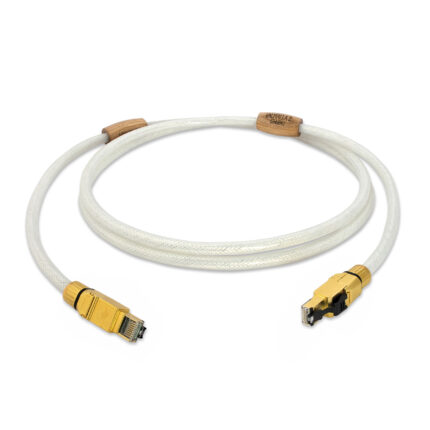
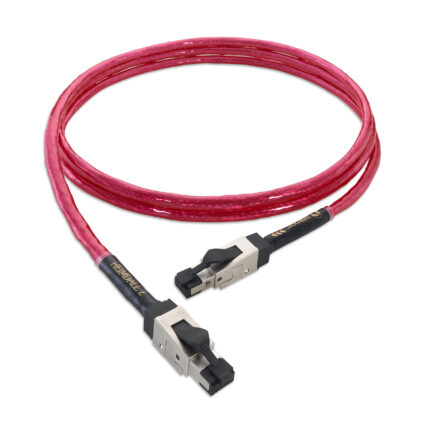
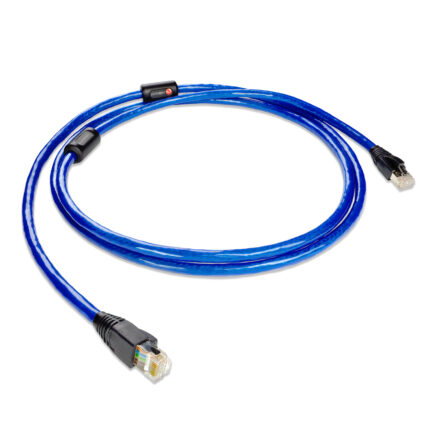
Network audio systems usually use Ethernet cables with RJ45 connectors. Choose a cable that matches your system layout and provides a stable wired connection between router, switch, streamer or music server.
For streaming audio, reliability matters more than excessive speed ratings. A well-made cable with secure connectors helps avoid dropouts, unstable playback and unnecessary troubleshooting.
Choose a length that allows clean routing without tension on connectors. Avoid very long or tightly bent cables where possible, especially in compact systems with many devices.
Network cables work together with routers, switches, streamers and servers. In more advanced setups, a dedicated audio network switch can help organise and stabilise the streaming part of the system.
Ethernet cables are used for network data, while USB, coaxial, optical, AES/EBU and HDMI are digital audio/video connections. For DAC connections, explore our Digital Cables.
If you plan to improve your streaming setup later, choose network cabling that supports future changes such as a better streamer, music server, NAS or dedicated network switch.