Media Players
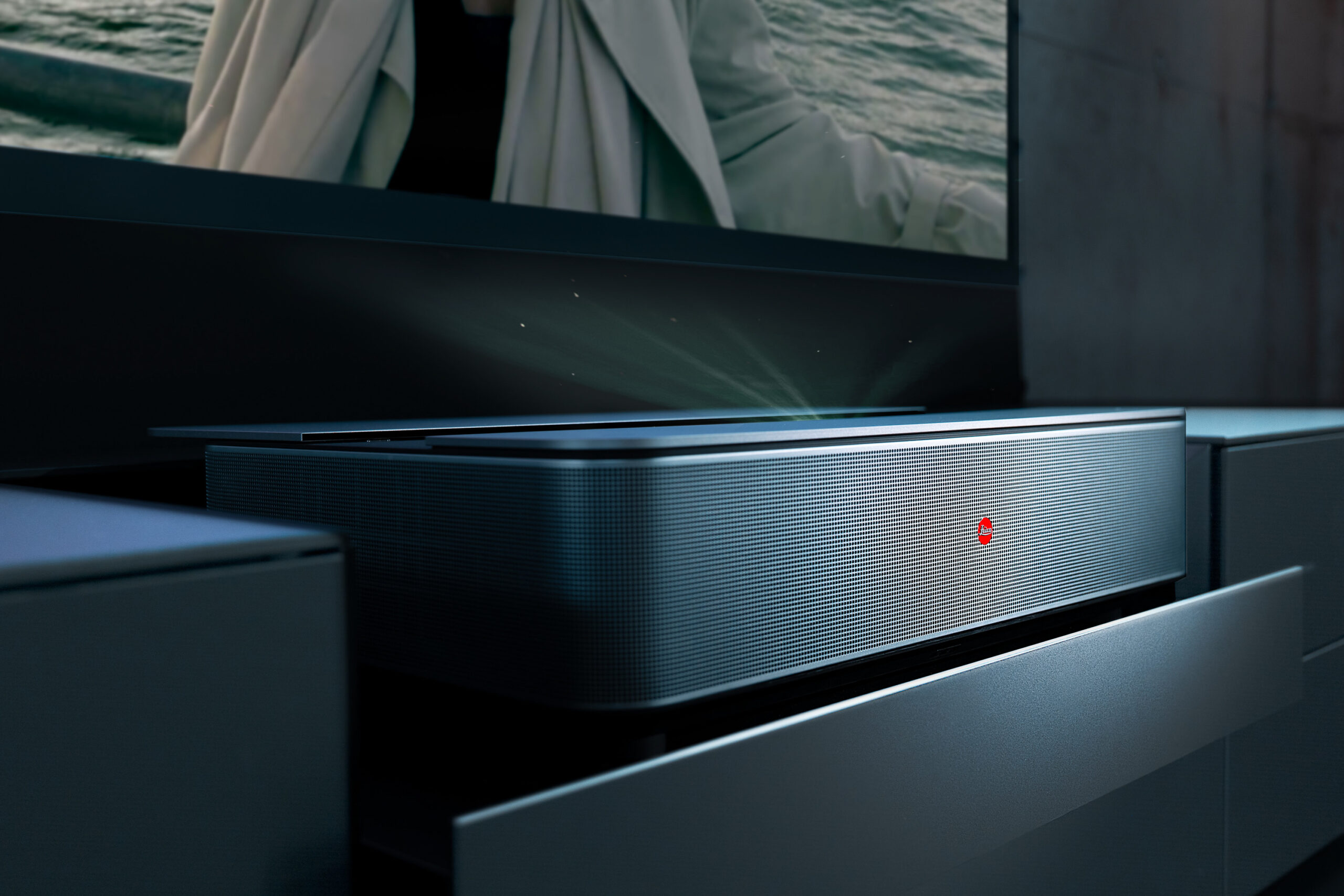
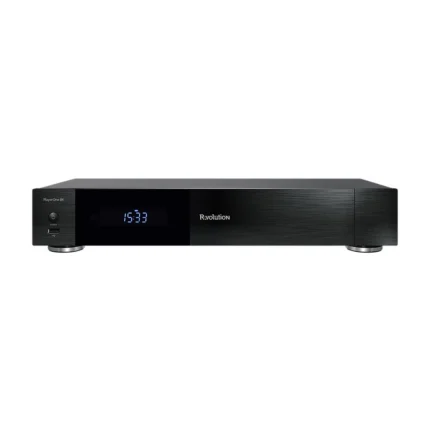
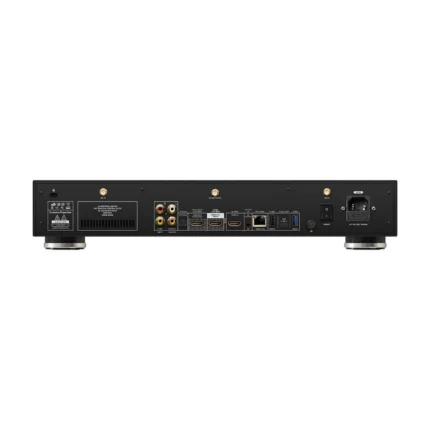
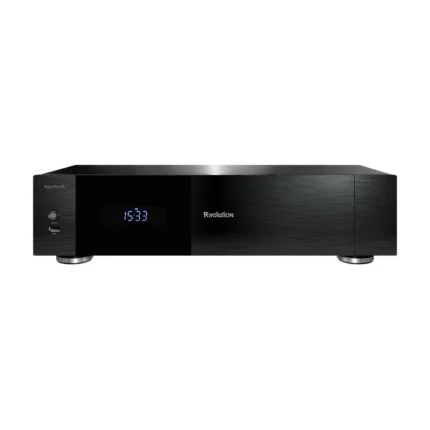
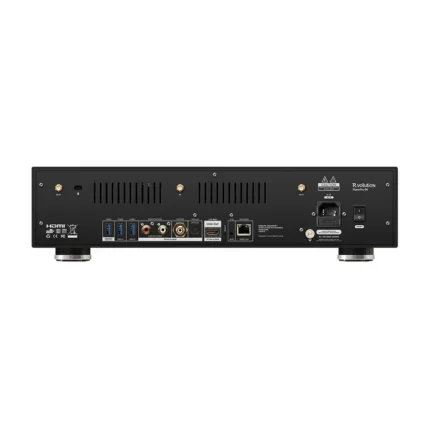
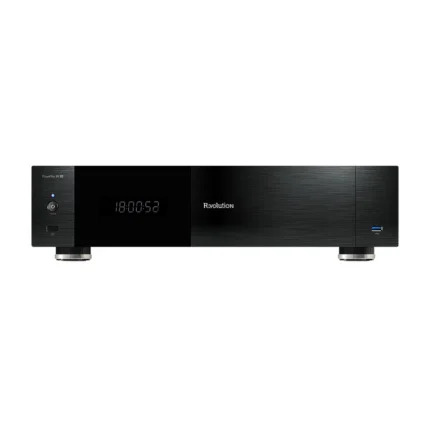
Media Players are dedicated video source components for high-quality film, television and concert playback. The category includes advanced network media players for local files and NAS libraries as well as premium UHD Blu-ray and universal disc players. Depending on the model, features may include 4K or 8K video, Dolby Vision, HDR10+, lossless multichannel audio, full disc-menu support, internal media storage and integration with streaming services.
Explore our complete Video range, including Projectors, TVs and Projection Screens. For immersive sound, connect your media player to suitable AV Receivers, Processors & Amplifiers and Home Cinema Speakers.
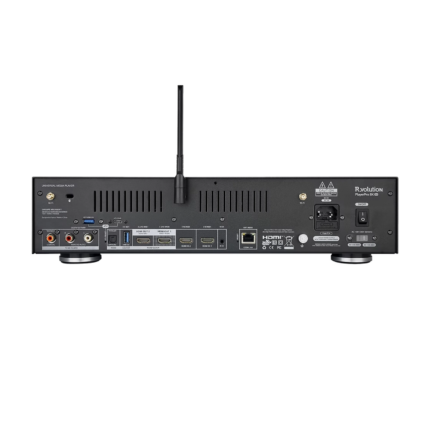
How to Choose a Media Player
A good media player should match both the way your video collection is stored and the capabilities of the rest of your system. Some users need a dedicated player for large local or NAS-based movie libraries, while others prioritise UHD Blu-ray playback, streaming applications or the highest possible audio and video quality from a physical disc. Format support, HDMI implementation, HDR compatibility, storage options, networking and integration with an AV processor or television should all be considered before choosing a model.
Start with the way you actually watch your collection. Network media players are ideal for MKV, ISO, BDMV and other files stored internally, on USB drives or on a NAS. UHD Blu-ray and universal disc players are the better choice when physical Blu-ray, UHD Blu-ray, DVD or audio discs remain an important part of the system. Some premium players combine several of these functions.
Video compatibility should match the capabilities of your display. Modern players may support 4K or 8K output, HDR10, HDR10+, Dolby Vision and advanced video processing. The quality of tone mapping, colour handling, frame-rate switching and scaling can be just as important as the list of supported formats, particularly with a large premium television or projector. Explore our Video category for compatible displays and projection solutions.
For a large digital collection, check support for the formats you actually use, including MKV, ISO, BDMV and high-bitrate UHD files. Full Blu-ray and UHD menu support can be important when you want to preserve the complete disc experience, including alternate versions, bonus material and seamless branching. A well-designed media library can also organise films and series with cover artwork, metadata and collections.
A premium video source should integrate correctly with the audio system. If you use an AV Receiver, Processor or Amplifier, check that the player can output the required lossless and immersive formats such as Dolby TrueHD, Dolby Atmos, DTS-HD Master Audio and DTS:X. Separate HDMI audio output can also be useful when combining a modern display with an older AV processor.
Large movie libraries require reliable storage and fast networking. Depending on the player, content may be stored on internal hard drives, USB storage or a NAS. Gigabit Ethernet is particularly useful for high-bitrate UHD material, while Wi-Fi provides convenient access where a wired network connection is not practical. Consider future storage requirements as well as the size of your current library.
Consider where the player will sit in the complete video chain: directly into the TV or projector, or through an AV processor or receiver. HDMI versions, audio-only outputs, CEC, control integration and cable length may all affect the final installation. For longer or more demanding connections, explore our Digital & HDMI Cables.